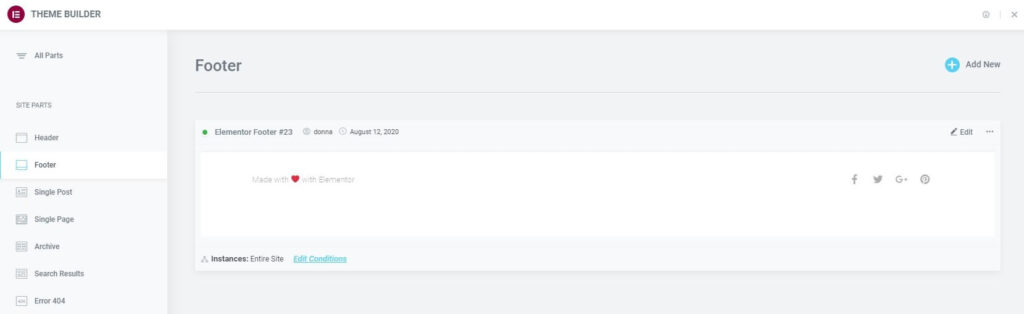
Footers appear at the bottom of most web pages. In general sites have one standard footer used for every page on the site – although some pages on a site may not have a footer or need a custom footer.
The Footer Site Part section of the Theme Builder lists all footers you’ve created, if any, giving quick access to add, edit, or delete any footer.
If no footers have been created yet, you will need to create one. Click Add New in the upper right corner of the Footer Site Part screen.
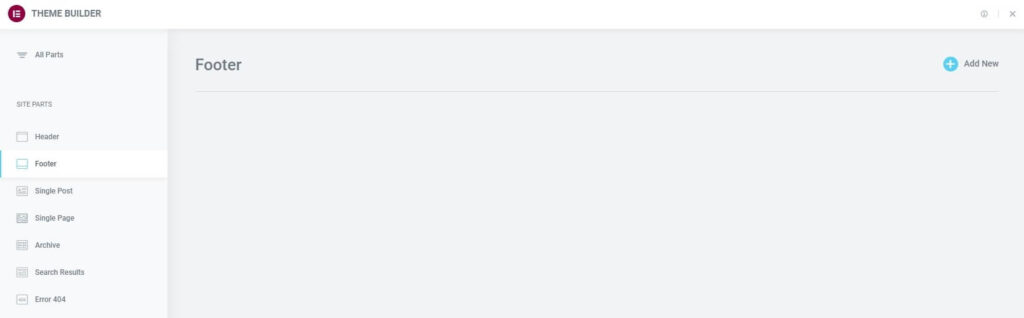
Once you’ve created at least one footer, you will be able to manage them here.