Please reach out to the Development Team to request a Cpanel account for your new Web Build.
All approved plugins, configurations, security and customizations have been applied to our core template. In order to provide a streamlined build, you will need to use this core template. Below will provide the instructions on how to apply the Base Build to your new Web Development.
1. Migration Export #
After the development team has provided you with the Login information to the new site. You will be able to login and begin the restoration of the Base Build.
The link located above will bring you to the core template. Proceed to login.
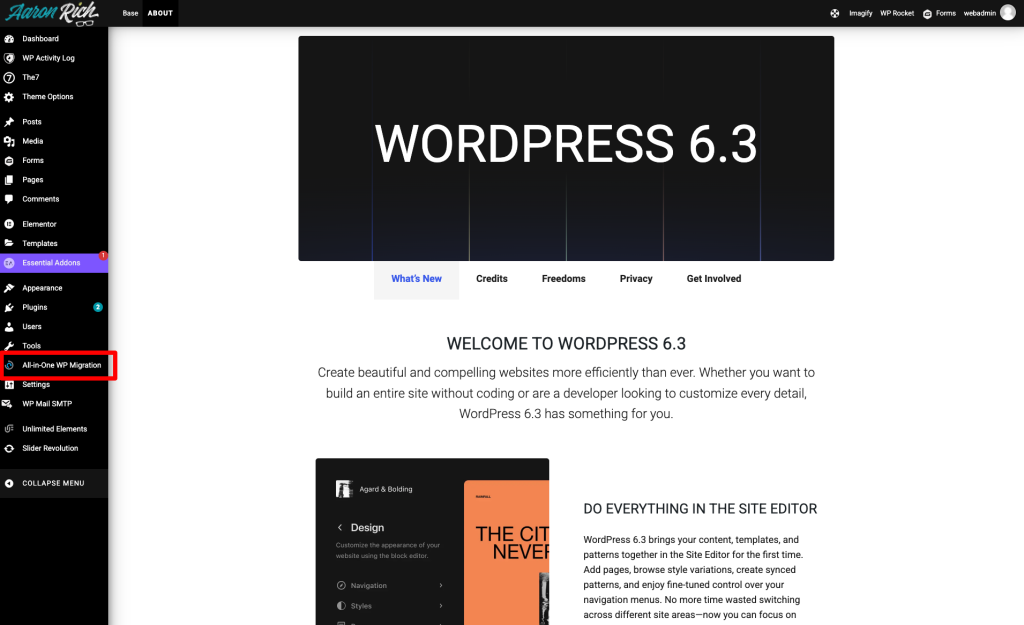
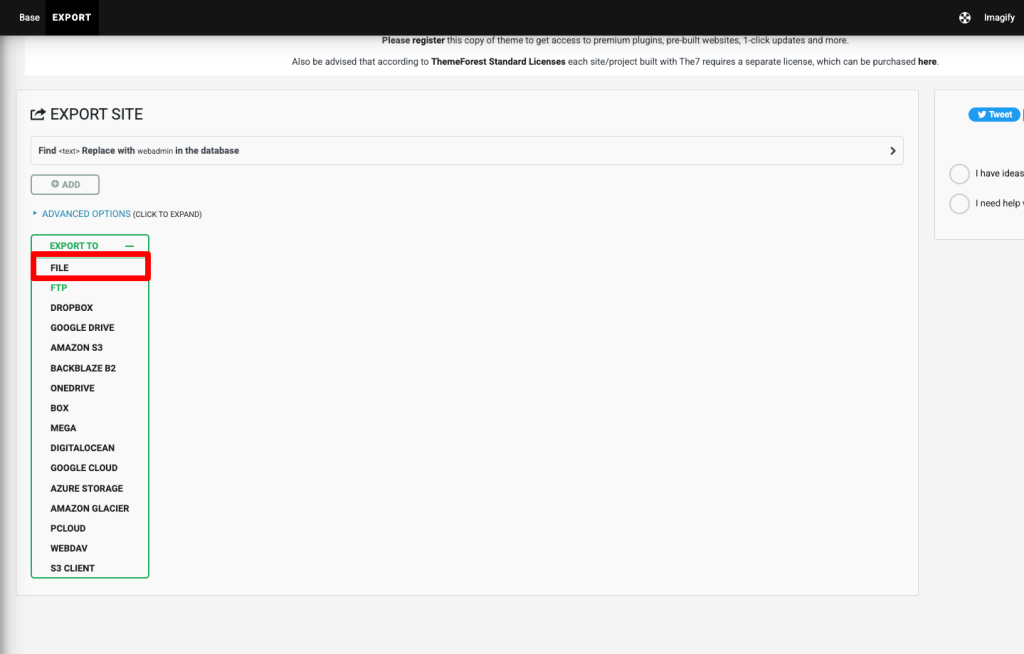
Proceed to access the All-in-One-WP Migration tool. From here you will export the site as a File
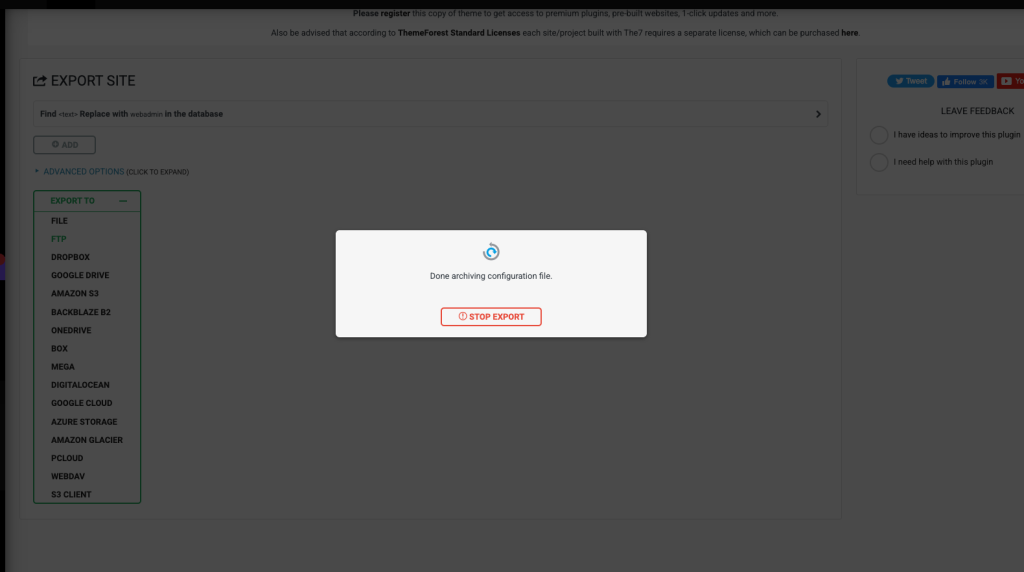
Allow the migration tool to complete downloading the database, configurations and assets.
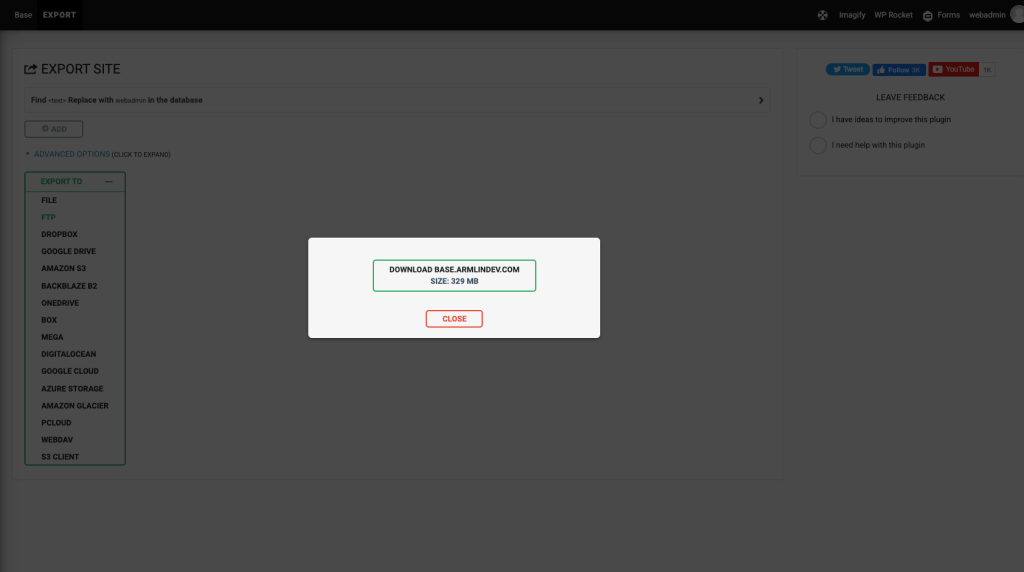
Download the package once it is completed.