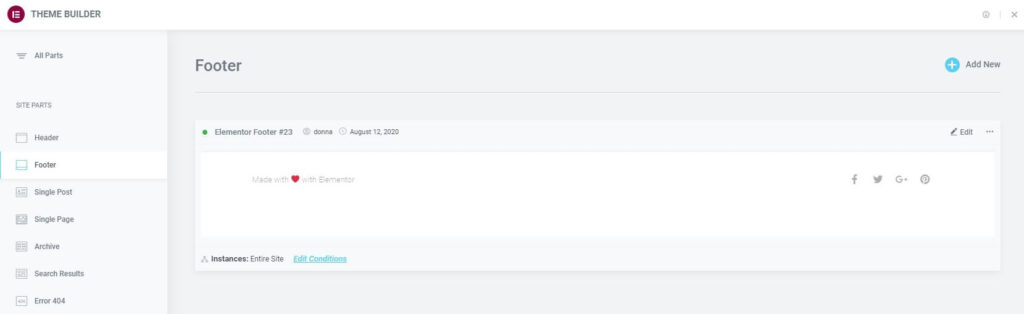
- To edit an existing Footer, click the Footer label in the sidebar. This will open the Footer’s details dashboard.
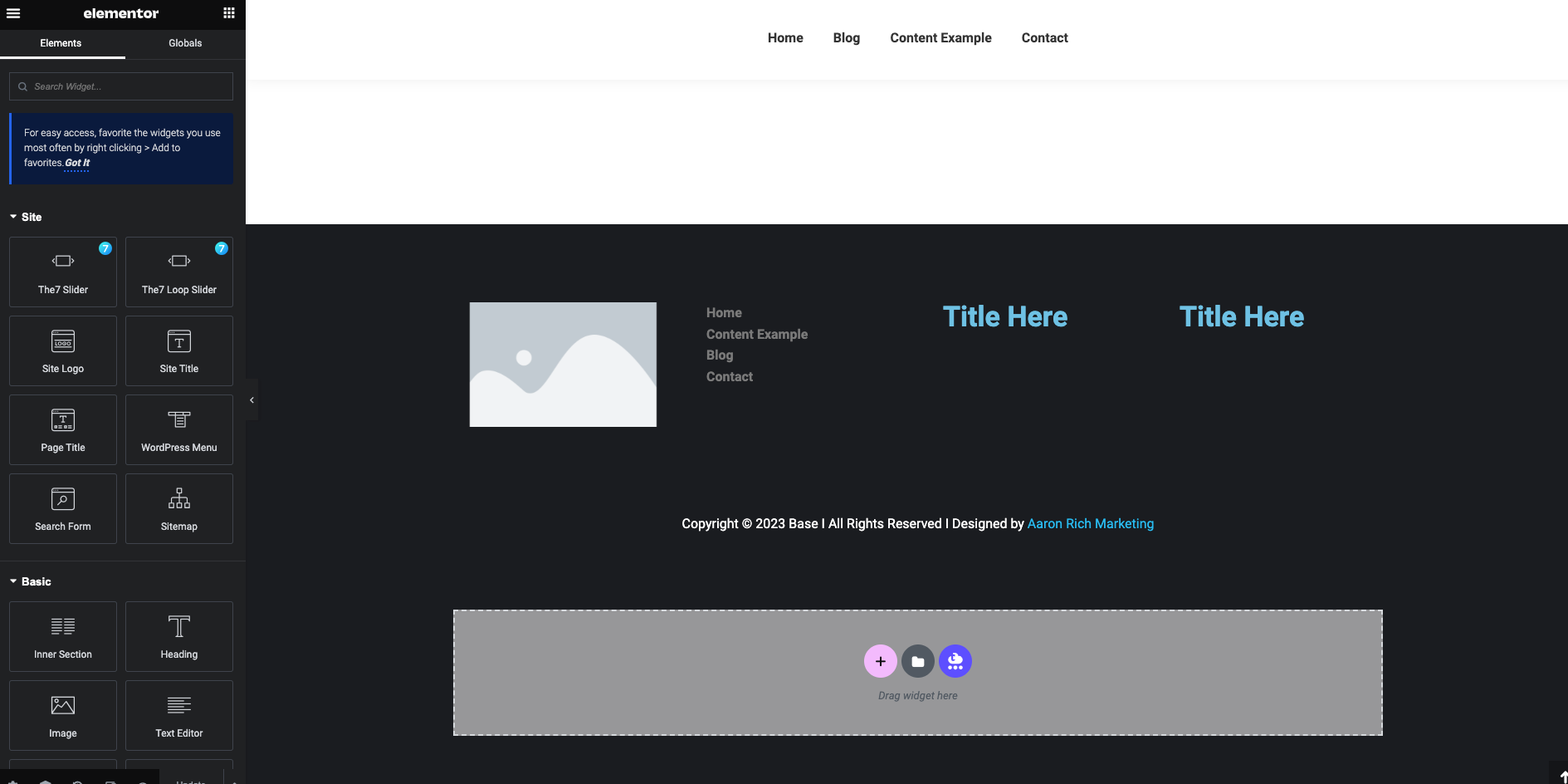
- Click the Edit link in the upper right corner of the specific Footer you wish to edit. This will open the Elementor editor for that Footer.